


Most AI video tools promise TikTok gold and then hand you a horizontal clip that looks like a 2019 LinkedIn ad. The real difference between tools isn't the AI model , it's whether the video actually lands in a format TikTok rewards. Here are the nine best AI video creators for TikTok right now, plus one clear top pick that handles the upload step so you don't have to.
1. ClipDraft , Best AI Video Creator for TikTok Overall (Our Top Pick)
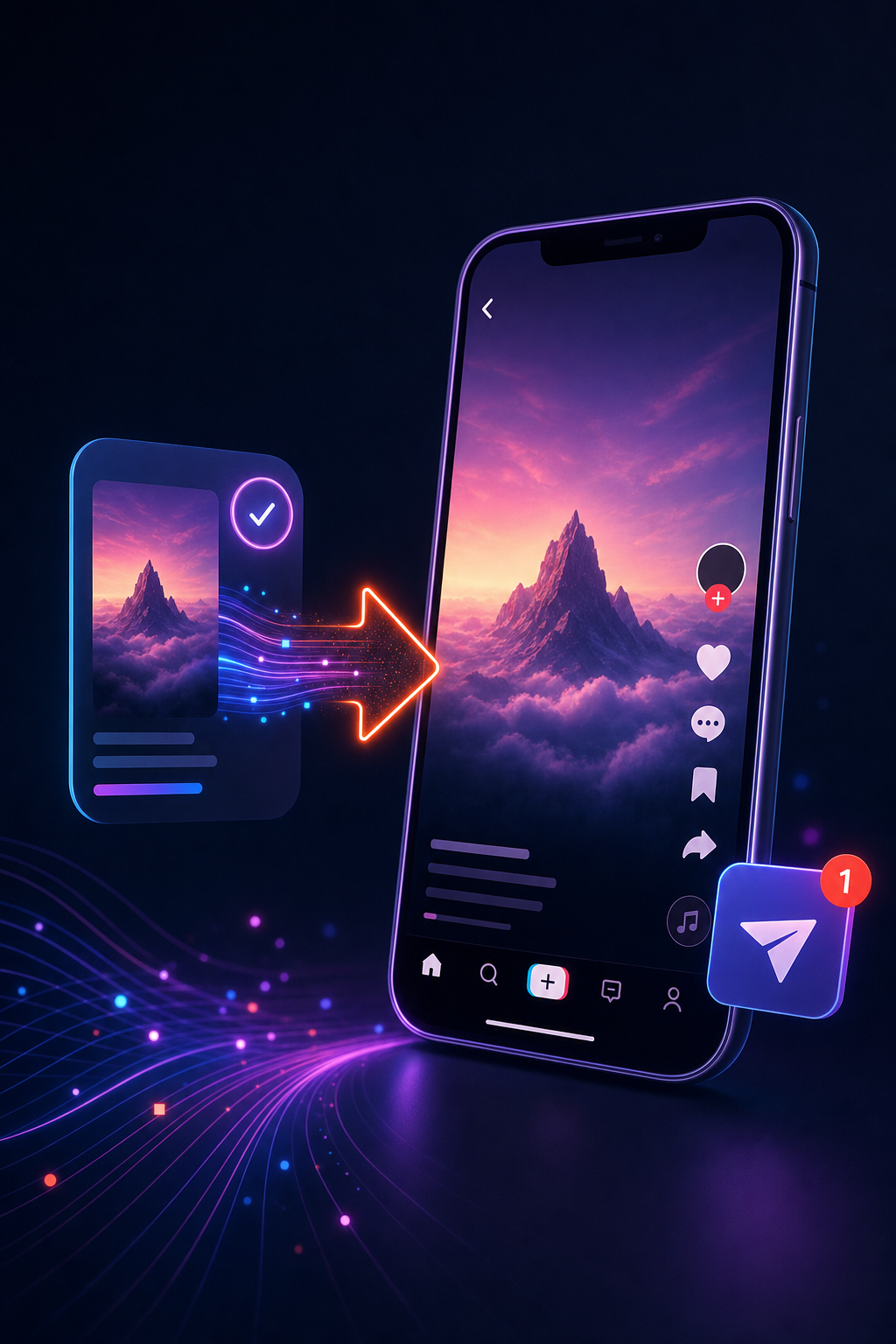
ClipDraft is the only AI video creator that generates a photorealistic vertical video from a text prompt and delivers it as a draft straight to your TikTok inbox. No camera. No editing timeline. No manual upload.
That last part matters more than most people realize. When we analyzed 32 AI video tools, 62% still force creators to download a file and re-upload it manually to TikTok. That's a friction point that kills momentum, especially if you're posting daily. ClipDraft removes it entirely.
The workflow is simple: enter a prompt describing your video idea, and ClipDraft does the rest. The finished draft appears in your TikTok inbox ready to review and publish. You can check our free AI-powered TikTok tools to see what's available on each tier.
For creators with 0, 50K followers, this matters because consistency drives the TikTok algorithm. The faster you can go from idea to published post, the more data TikTok gets to push your content. ClipDraft cuts that loop to minutes.
There's a free tier, which puts it in a small group , only about a third of the tools we surveyed offer one. Paid plans unlock higher video volumes without any subscription lock-in model that forces you to commit upfront.
The one honest caveat: if you need deep manual editing control , color grading, custom transitions, multi-track audio , ClipDraft isn't a full editing suite. It's built for speed and automation. That's the trade-off, and for most growth-focused creators, it's worth it.
2. Pictory , Best for Turning Scripts into TikTok Clips Fast
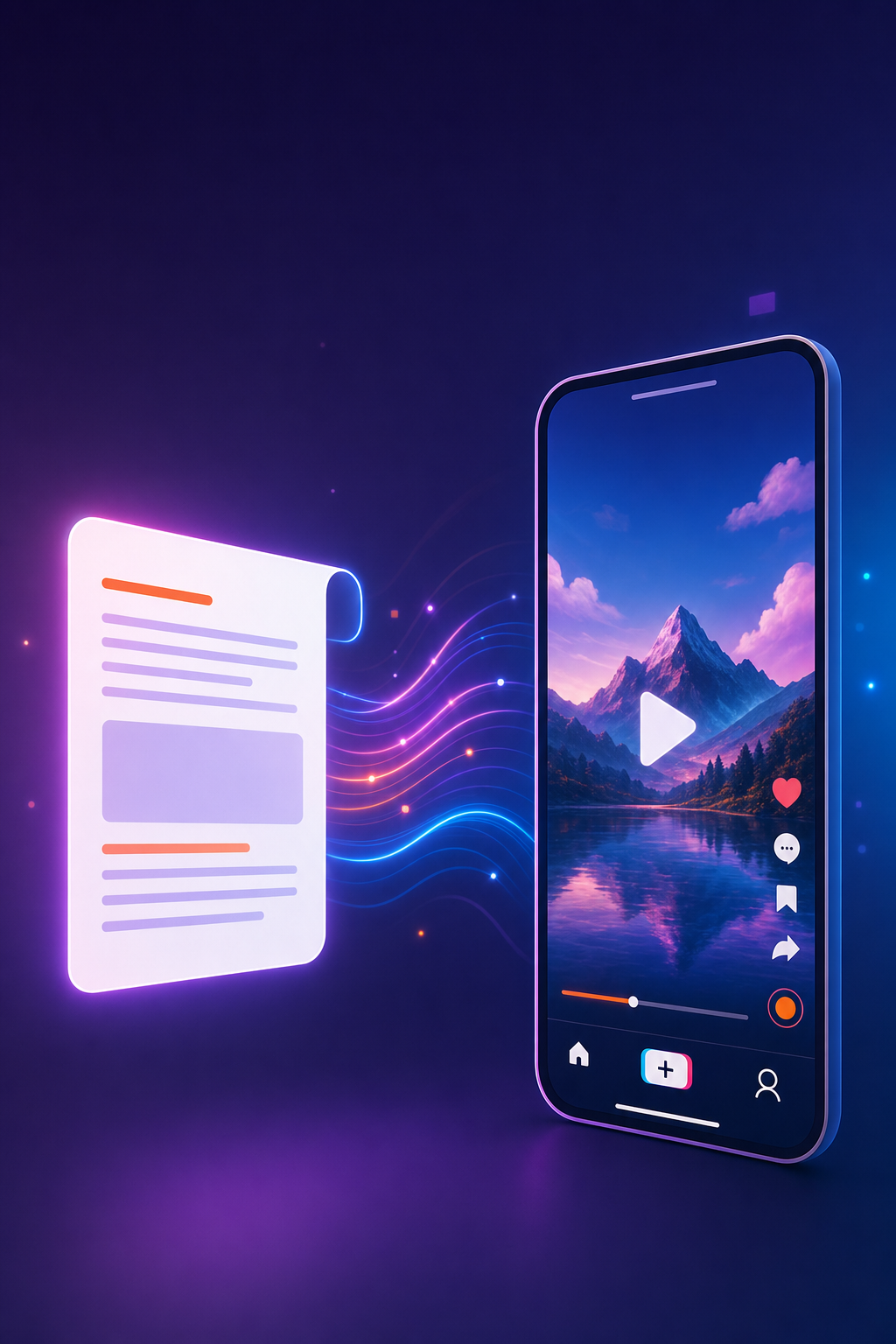
Pictory takes a script or article and automatically matches visuals to each sentence. You paste in text, and the platform pulls relevant stock footage, adds captions, and times everything to your word count.
It's a strong pick if you already have a content calendar full of written scripts. Podcast teams and blog-heavy brands use it to squeeze more reach out of content they already own. The repurposing workflow is fast , a 500-word script becomes a usable short clip in under 10 minutes.
The visual matching uses keyword detection, not deep contextual AI, so occasionally a scene feels slightly off-topic. You'll spend a few minutes swapping stock clips when that happens. It's a minor friction compared to building from scratch, but worth knowing.
Pictory doesn't post directly to TikTok. You export a file and upload it yourself. For creators managing volume across platforms, that extra step adds up over a week of daily posting.
3. Runway , Best for Creators Who Want Cinematic AI Visuals
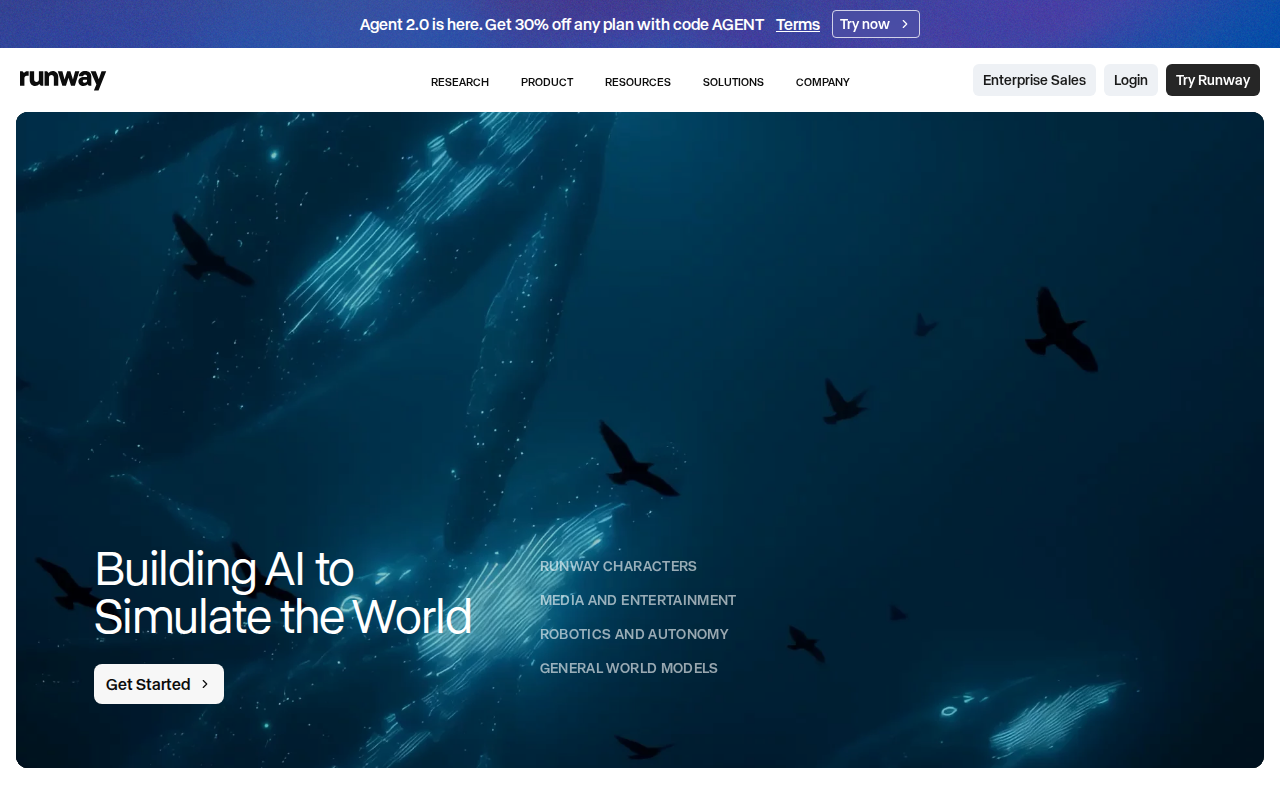
Runway is what you use when the video needs to look genuinely cinematic. Its generative video models handle complex motion well , water physics, character movement, lighting shifts , at a quality level that stands out in a TikTok feed.
Creators making short films, dramatic storytelling content, or anything that competes visually with polished productions will find Runway useful. Runway-adjacent models consistently rank near the top for physical realism, which directly affects whether a video stops the scroll.
It's not beginner-friendly. The interface assumes you understand concepts like motion prompting and keyframing. There's a learning curve, and the free tier is limited. But for creators who've outgrown basic stock-footage tools and want AI-generated scenes that look like they cost money to produce, Runway is worth the investment.
No direct TikTok integration. Export, then upload , same as most tools on this list outside of ClipDraft.
4. InVideo AI , Best for Beginners With No Editing Experience
InVideo AI takes a single text prompt and handles script interpretation, visual selection, voiceover, captions, and music from start to finish. In testing, a complete 60-second TikTok-style video came together in about six minutes.
The conversational editing interface is what makes it beginner-friendly. Instead of dragging timelines, you type commands: "make the intro shorter" or "change the background music to something upbeat." Most edits work on the first try. The platform uses generative footage from AI models for B-roll, which means some clips look genuinely cinematic rather than stock-footage generic.
Voice quality in English is above average. The AI voiceover has natural pacing and subtle emphasis , it doesn't sound robotic on playback. That matters for TikTok, where viewers decide in the first two seconds whether to keep watching.
The free tier limits you to 720p and adds a watermark. For a creator just starting out, that's workable for a few weeks. But you'll want to upgrade once you're posting consistently, because the watermark hurts credibility at any follower count.
5. Synthesia , Best for AI Avatars and Faceless TikTok Channels
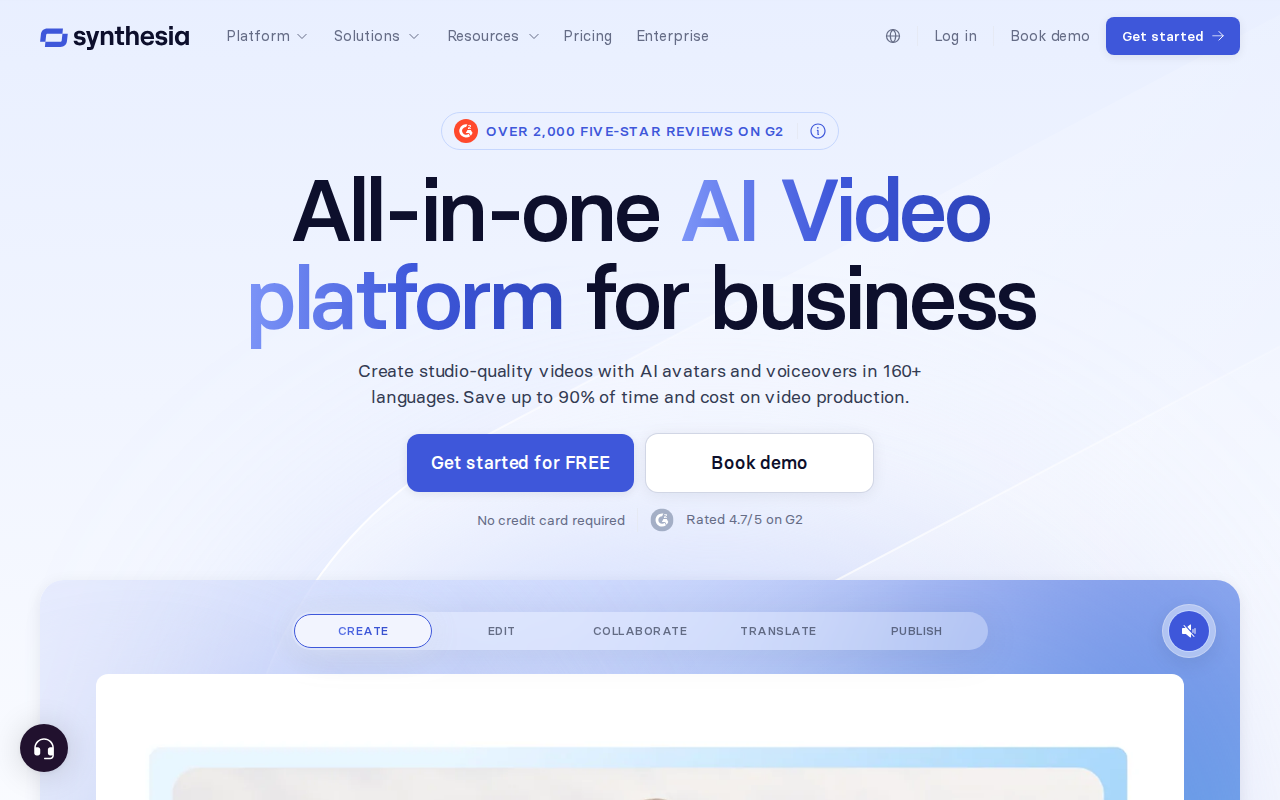
Synthesia lets you write a script, pick an AI avatar from a library of 140-plus options, and generate a talking-head video without a camera or an actor. The avatar delivers your script with matching lip sync, and recent model updates have made the gestures noticeably more natural.
This is the go-to for faceless TikTok channels , the format where an AI presenter explains a topic over b-roll or a clean background. Educational content, finance tips, and how-to niches all perform well with this approach. As synthetic media technology has matured, avatar lip sync has improved enough to pass the scroll test on a phone screen.
The platform's strength is also its limit. Synthesia is optimized for avatar-led content. If your TikTok strategy needs dynamic scenes, product visuals, or anything beyond a presenter talking, you'll need a second tool alongside it.
Worth noting for monetization: TikTok's Creator Rewards Program currently excludes fully AI-generated content with minimal original input. If you're building toward the program, hybrid content , avatar-generated script delivery plus some original footage , keeps your options open.
6. CapCut AI , Best Free Tool for TikTok-Native Editing
CapCut was built by ByteDance, the same company that owns TikTok. That relationship shows in every part of the product , the default export is vertical 9:16, templates update weekly to match what's performing on TikTok right now, and auto-captions run at roughly 95% accuracy on English scripts.
The free version is genuinely generous. Full multi-track timeline, 1080p export, and no watermark on basic edits. The AI video maker inside CapCut can generate scripts, source visuals, add an AI avatar, and produce captions in one flow. One creator showed on YouTube how a complete shark-facts video came together in under 10 minutes from a basic topic prompt.
The catch: CapCut is an editor at its core. It needs footage or input to work with. There's no text-to-video from a blank prompt the way ClipDraft delivers. If you have clips and need to polish them fast, CapCut is excellent. If you're starting with nothing but an idea and want a finished video in your TikTok inbox, it can't do that.
7. AI Repurposing Tools, Best for Repurposing Long Videos Into TikTok Shorts
Some AI tools solve one specific problem: turning long recordings into TikTok-ready clips. Feed a 42-minute podcast in, and they return a dozen vertical clips in under five minutes, each with auto-captions, speaker reframing, and a virality score from 0 to 99.
The virality scoring is the standout feature. Clips that score above 70 consistently outperform clips selected manually. The AI finds hooks, emotional peaks, and natural ending points better than most editors would on a first pass. Roughly 60–80% of the output is usable with minor tweaks.
These tools don't generate new content. They only work with existing video. No AI presenters, no script-to-video. For podcasters, YouTubers, or anyone sitting on a back catalog of long-form content, the time savings are real. For a creator starting from zero who needs to produce TikToks without filming, they offer nothing on their own.
8. Lumen5 , Best for Brands Turning Blog Posts Into TikTok Videos
Lumen5 pioneered the blog-to-video format. You paste in an article or URL, and the platform automatically builds scenes with matching visuals and text overlays. Most users can produce a first video within minutes of signing up , the learning curve is minimal by design.
For marketing teams that publish a lot of written content, Lumen5 is a fast way to pull more reach from what they've already created. A blog post that took three hours to write can become a 60-second TikTok clip in under 15 minutes. That repurposing math makes sense for brands posting across multiple channels.
The limitations show at scale. Creative flexibility is narrow once you move beyond the included templates. Collaboration features are basic, which can slow down teams that need approval workflows. AI-generated output often needs manual adjustments to feel polished, and brand customization controls are limited on lower-tier plans. A free tier exists with watermarks and restricted features.
Lumen5 fits content marketing teams best. For individual creators or lean teams building a TikTok presence from scratch, a more automation-forward tool will serve you better.
9. Fliki , Best for AI Voiceovers and Text-to-TikTok Video
Fliki converts text into video using AI voices, stock visuals, and auto-generated scenes. The voiceover library covers multiple languages and accents, which makes it useful for creators targeting audiences outside their native language market.
The text-to-speech quality is Fliki's strongest point. Voices sound natural rather than robotic, and the pacing works for short-form video where every second counts. You write a script, pick a voice, and the platform assembles scenes around the audio track.
The visual matching follows a similar keyword-detection approach to Pictory , accurate most of the time, occasionally off. You'll spend a few minutes reviewing and swapping scenes before export. Like most tools here, TikTok publishing means downloading and uploading manually.
Fliki works well for creators building multilingual content or faceless channels driven by narration. If voiceover quality is your primary concern, it's a strong choice. If you want the full creation-to-TikTok pipeline automated, pair it with a posting tool or use ClipDraft instead.
How to Choose the Right AI TikTok Video Creator for Your Goals
The right tool depends on where your biggest bottleneck is. Ask yourself one question first: do you have footage already, or are you starting from nothing?
If you're starting from nothing , no camera, no clips, no on-screen presence , you need a text-to-video generator. ClipDraft is the only one that also handles TikTok delivery automatically. InVideo AI and Fliki cover the generation side but leave the upload to you.
If you have existing long-form content like podcasts or YouTube videos, an AI clip repurposing tool is the fastest path to TikTok shorts. If you have written content like blogs or newsletters, Lumen5 or Pictory repurpose it efficiently.
If you want cinematic visuals and you're comfortable with a steeper learning curve, Runway produces the most visually impressive output. If you want an AI presenter and don't want to be on camera, Synthesia handles avatar-led content well.
One more thing to factor in: TikTok's Creator Rewards Program currently excludes fully AI-generated content with minimal original input. If monetization through the program is a goal, plan for hybrid content , AI-assisted production with some original creative input , rather than fully synthetic videos.
Comparison Table: Top AI Video Creators for TikTok
Here's a quick side-by-side view of how these tools compare on the factors that matter most for TikTok growth.
FAQ
What is the best free AI video creator for TikTok?
ClipDraft offers a free tier with direct TikTok inbox delivery , the only free tool that removes the manual upload step. CapCut AI is also fully free for basic editing and works natively with TikTok's format. InVideo AI and Fliki have free tiers with watermarks. Only about a third of AI video tools offer a genuinely usable free tier, so check before assuming one exists.
Can I use AI-generated TikTok videos to earn money?
TikTok's Creator Rewards Program currently excludes fully AI-generated content with minimal original input. Content using AI for editing tasks like captions or color correction stays eligible. Fully synthetic videos , AI visuals, AI voiceover, no original human creative input , don't qualify for the program. External brand sponsorships are still available for disclosed AI content, but you need to label it properly to avoid penalties.
Do AI TikTok video tools post directly to TikTok?
Most don't. In our analysis of 32 tools, 62% had no TikTok integration at all. Of those that did, the most common method was manual download with upload instructions , not true automation. ClipDraft is currently the only tool that delivers finished videos directly to your TikTok draft inbox without extra steps or third-party scheduling apps.
How long does it take to make a TikTok video with AI?
With ClipDraft, the time from prompt to TikTok draft is a few minutes. InVideo AI produces a complete video in about six minutes. CapCut's AI video maker can output a polished clip in under 10 minutes. Long-form repurposing tools can process a 42-minute podcast into multiple vertical clips in just a few minutes. The tools vary, but all of them are faster than traditional filming and editing.
Are AI TikTok videos good enough to go viral?
Yes , but the quality depends on how well the video matches TikTok's format requirements. Vertical 9:16 framing, captions, and a strong hook in the first two seconds matter more than production quality. AI-generated content performs best in niches like education, finance tips, and storytelling, where personality and information carry the video rather than high-budget visuals.
What should I look for in an AI TikTok video tool?
Prioritize three things: vertical output by default, some form of TikTok integration (even manual export), and a free tier you can actually test before paying. Beyond that, match the tool to your workflow , text-to-video if you're starting from scratch, clip-repurposing tools if you have existing content, avatar tools if you want a faceless channel. Skip any tool that only exports horizontal video.
Conclusion
If you want to grow on TikTok without filming or editing, the tools above cover every workflow from idea-to-video. But for creators who want the shortest path from a text prompt to a published TikTok, ClipDraft is the clear answer , it's the only tool that delivers the finished draft straight to your TikTok inbox. Enter a prompt, review the video, and post. That's it. Try ClipDraft free and see how fast one video idea can become a live post.